
Photographs and clips received into one private project
Add more any time →
Made for Anniversary
A shared life, in all its lovely detail.
Not only the wedding photograph. The walks, the homes, the holidays and the family that grew around you. Give the years an unhurried place in the story.
- Then
- The life you built
- Still together
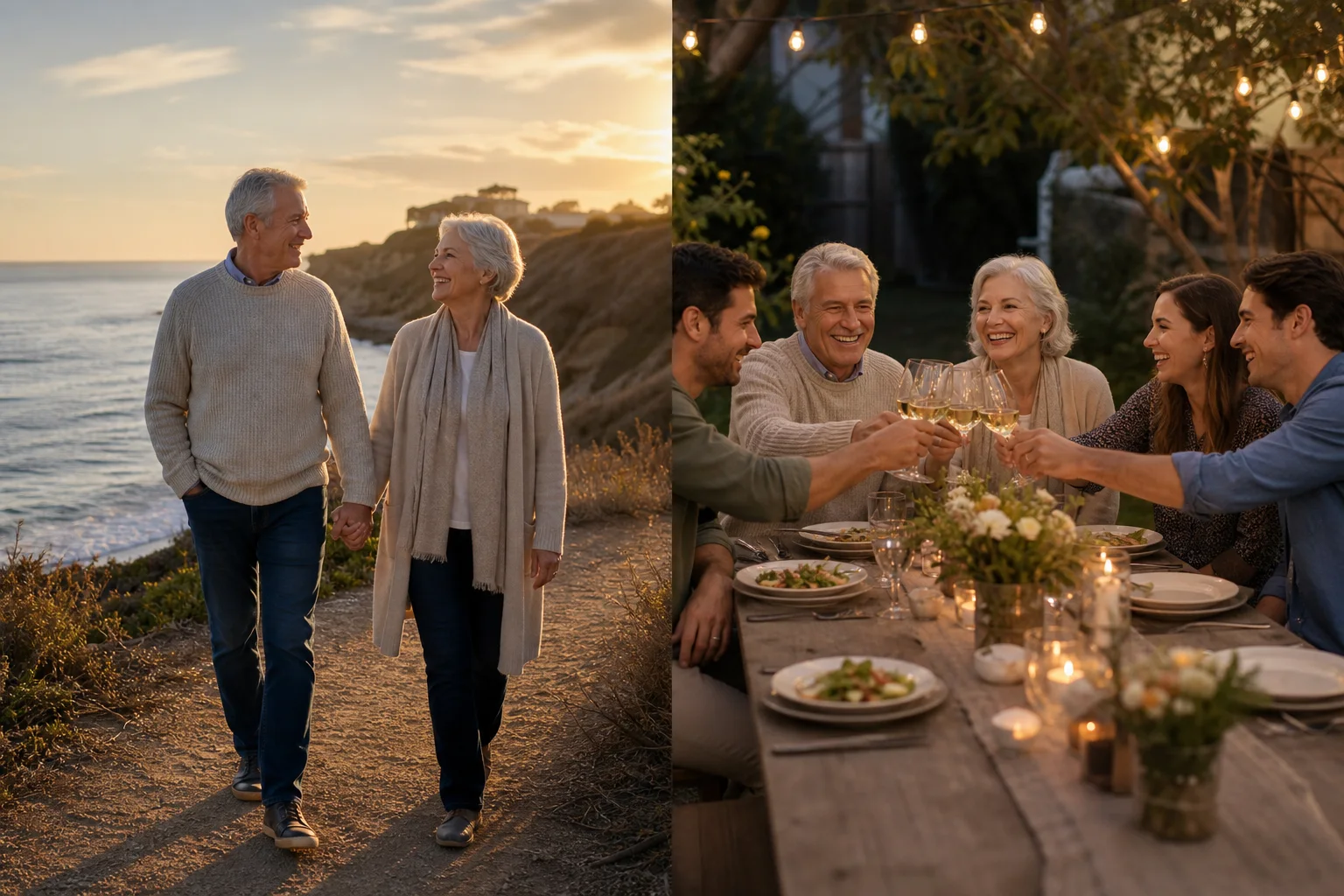
Still choosing each other
The everyday companionship matters just as much as the big occasions.
Look what grew from two
Gather the family, the friendships and the life you built side by side.
How an anniversary montage is built
One unhurried arc, not a highlight reel
Anniversaries reward patience: fewer, longer-held photographs and one piece of music that carries the whole thing. We suggest that shape first, and you can make it busier if you want to.
Chapters proposed, in the order a family would tell it
Rename · merge · reorder →Placed into a chapter and a position on the timeline
Move one, or forty →Items reviewed per optional AI sorting batch
Review every suggestion →Recommended starting pace for every photograph
Change any item →Running time at three seconds a frame, music suggested per chapter
Two to four seconds →A suggested first structure
All these years
01 · Before each other02 · The early days03 · The wedding04 · First home05 · Children06 · Travels07 · Grandchildren08 · Now
Photos100–240 photosSections8 sectionsRuntime6–8 minPreviewInstant
Before you choose the photographs
Tell the years between the wedding and today
An anniversary slideshow is more than a replay of the wedding album. For a first, silver, golden or later anniversary, show the life built together: homes, family, friendships, journeys and the small routines that lasted.
Gather a shared history
Start with meeting and wedding photographs, then ask relatives for different eras of the couple's life. Include both partners' interests and friendships, not only the events that have the most photographs.
Find the threads that continue
Pair an early photograph with a recent one in the same place, or revisit a family tradition across the years. Use short chapter titles to provide context without turning every image into a caption.
Review the story sensitively
Check names, dates and the selection with someone who knows both partners well. Allow space for people who are missed and end with a picture that reflects the couple today, rather than simply the newest file in the folder.
How many photos will fit?
Match the length to the gathering. At four seconds each, 90 photographs take six minutes before titles, clips and transitions. Keep a party screening focused; a more detailed family keepsake can use a different selection.
Leave space for opening and closing titles, and check the actual runtime as you edit. Read our guide to music rights for montages before choosing the soundtrack, especially if you plan to share the video publicly.
Planning across countries and time zones
EverMontage is an online montage maker for customers worldwide. Gather files from people wherever they live, then organize the selection in one project. You do not need to visit a local studio.
If you request editing help, include the event date, time zone and venue requirements so we can confirm timing and scope. Keep your editing link private; our photo and project privacy information explains how access works.
A collection brief you can send
Copy and adapt this planning template for your contributors.
Please share a few photos of the couple across their life together: early days, homes, family, friends and ordinary moments. Add approximate dates and names where helpful. A picture from a less-photographed chapter is especially welcome; send originals by our agreed deadline.
Before you call it finished
Confirm the anniversary year and any dates in titles. Review the balance between both partners, ask about sensitive family moments, and finish with a photograph that feels true to their life now.
Keep public-sharing permission separate from permission to include a photo in a private montage. Only publish a finished example when the people and media rights involved allow it.
Ask about your montage or event requirements →Be as particular as you like
Change it yourself. Or hand us the list.
The software never gets tired of revisions. Swap a photograph a hundred times if that is what it takes. Your own changes stay yours to control.
Make every detail your own
✓ Swap, reorder or remove any photo or clip
✓ Set any photo to two, three or four seconds
✓ Rename, merge or reorder the chapters
✓ Rewrite every title
✓ Add up to ten songs and set where each begins
✓ Save a version before making a major change
Specialists in the reason people gather
Eight occasions. Eight different ways to tell the story.
Create your montage online, wherever you and your family live. Choose the occasion for a suggested story structure, pacing and music guidance, then make the details your own.
Bar & Bat MitzvahThirteen years, made for both generationsFunerals & memorialsQuiet, dignified and ready in hoursWeddingsThe suggested structure gives each childhood its own chapter, with visible item counts and timing as you build. Rename the chapters, move photographs between them, and set every clip duration yourself.Milestone birthdaysLife-stage chapters make a large archive manageable. Use filenames and dates as guides, let AI suggest visual sections when helpful, and keep the final chronology completely in your hands.RetirementsThe suggested structure leaves room for the team, the big projects and the stories that never made the annual report. Everything remains private and every item stays under your control.GraduationsChronology does most of the work here. Where a year is thin we say so, rather than padding it — and the friends chapter usually needs to be longer than parents expect.Clubs & communitiesBig rooms need larger titles and decisive timing. Upload a crest or inspiration image, review the suggested palette, and apply it only when it feels right for the club.
Questions people ask before uploading
Plain answers.
Include each partner's early life where it adds context, then meeting, wedding, homes, family, friendships, travel, ordinary moments and the years today. The suggested structure can be changed completely.
Many anniversary montages land between five and eight minutes, but the audience and photograph count matter more than a fixed rule. EverMontage shows the exact running time while you edit.
Yes. Upload an inspiration image or logo and review a suggested palette before applying it. The original photographs remain the focus.
The people behind EverMontage
A decade of finding
the moment that matters.
Ryan began his editing career in Boston. Theo was born in Australia and grew up by the eastern beaches, surrounded by light, music and stories carried across generations. Their paths crossed in Los Angeles more than a decade ago. Somewhere between late-night edits, boxes of old photographs and the lives families trusted them to tell, they realized the best films are not about effects—they are about noticing the right moment. Together they created EverMontage to help clients make high-end, affordable montages without compromising the care, craft or finish.
Build and watch your montage free. Professional editing, mastered audio and custom special effects are optional add-ons—reviewed by Ryan and Theo before they reach you.


Every message goes to a real professional — never a bot.
Start with the messy folder